

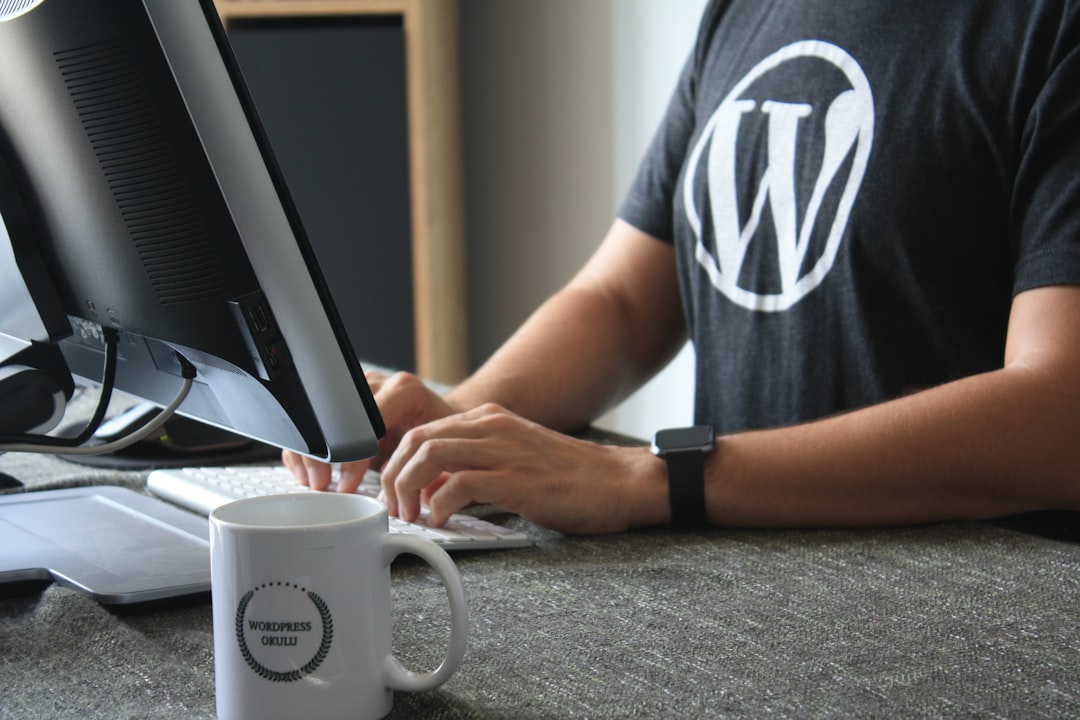
Website Security: An All-Inclusive Guide for Your Online Presence In the current digital environment, website security is crucial. The first step in protecting your assets as you negotiate the intricacies of your online presence is realizing how important website security is. Cyber threats are constantly changing, and even one weakness can have disastrous results, such as money losses, data breaches, and a decline in customer trust. By putting a high priority on website security, you not only safeguard your data but also improve your credibility and reputation with visitors.
Investing in strong security measures is essentially an investment in your online platform’s dependability and longevity.
Key Takeaways
- Website security is crucial for protecting sensitive data and maintaining trust with users
- Regularly updating WordPress and plugins is essential for addressing security vulnerabilities
- Implementing strong passwords can prevent unauthorized access to your website
- Using secure hosting can provide an extra layer of protection against cyber threats
- Installing security plugins can help to monitor and prevent security breaches
When a website exhibits a dedication to safeguarding user data, users are more likely to interact with it. Thus, being aware of the different aspects of website security and successfully putting them into practice can help you stand out from rivals who might ignore this crucial area. Updating your WordPress core and plugins is one of the best ways to keep your website secure. Frequently, WordPress releases updates to fix bugs and enhance functionality. Ignoring these updates leaves your website vulnerable to possible risks that could be readily avoided. Keeping a secure environment requires routinely checking for updates and installing them as soon as possible.
Also, out-of-date plugins may pose a serious risk. Many cybercriminals obtain unauthorized access to websites by taking advantage of plugin vulnerabilities. By keeping all plugins updated, you reduce the possibility of exploitation. Also, since plugins can act as entry points for hackers, think about deleting any that you no longer require or use.
Optimizing your WordPress setup not only increases security but also boosts performance. Strong passwords are the first step in creating a secure website. The importance of a strong password in safeguarding your online assets should never be understated. Numbers, special characters, and a combination of capital and lowercase letters are usually included in a strong password. Don’t use information that can be guessed, like birthdays or everyday words. Alternatively, think about creating and safely storing complex passwords with a password manager.
| Security Tip | Description |
|---|---|
| Use Strong Passwords | Ensure that all user accounts have strong, unique passwords to prevent unauthorized access. |
| Keep WordPress Updated | Regularly update WordPress core, themes, and plugins to patch security vulnerabilities. |
| Install Security Plugins | Use reputable security plugins to add an extra layer of protection to your website. |
| Enable Two-Factor Authentication | Require users to provide a second form of verification in addition to their password. |
| Backup Your Website Regularly | Set up automatic backups to ensure that you can restore your website in case of a security breach. |
Establishing a practice of changing passwords on a regular basis is essential, in addition to creating strong passwords. Encourage your team and yourself to change passwords on a regular basis, particularly following a security breach or incident. This practice strengthens your defenses and creates a security-conscious culture within your company.
Keep in mind that your first line of defense against unwanted access is a strong password. Selecting the appropriate hosting company is yet another crucial element of website security. It’s critical to conduct research before choosing a hosting provider because not all of them provide the same degree of security.
Seek out web hosts that place a high priority on security features like DDoS protection, malware detection, and firewalls. In order to keep your website safe, a trustworthy host will also offer frequent backups and updates. Also, if you’re using WordPress as your platform, think about choosing managed WordPress hosting. Frequently, security features designed especially for WordPress websites are integrated into managed hosting services. Knowing that your website is in good hands can help you save time and effort.
In the end, purchasing secure hosting is a proactive measure to protect your website. The defenses of your website can be greatly strengthened with the help of security plugins. Numerous features, including firewall protection, malware scanning, and login attempt monitoring, are provided by these plugins.
You can automate a lot of website security tasks by installing trustworthy security plugins, freeing you up to concentrate on other important facets of your company. When choosing security plugins, seek out those with a solid reputation for dependability and good reviews. Wordfence, Sucuri Security, and iThemes Security are well-liked choices. Take the time to investigate which plugin best suits your particular requirements, as each one has distinctive features. It is equally crucial to update these plugins on a regular basis to make sure they continue to be effective against new threats. By requiring a second form of verification in addition to your password, two-factor authentication (2FA) strengthens the security of your login procedure.
An authentication app or a code sent to your mobile device could be the source of this. Even in the event that your password is compromised, you greatly lower the chance of unwanted access by turning on 2FA. It is especially crucial to implement 2FA for users who have administrative access to your website. These accounts have the power to drastically alter your website & frequently contain sensitive data. A strong barrier against possible intruders is created by requiring an extra verification step. To increase security overall, encourage every team member to incorporate 2FA into their login process.
Any comprehensive website security strategy must include regular backups. If you have recent backups, you can quickly and effectively restore your website in the event of a cyberattack or data loss from technical difficulties. Make sure backups are safely stored offsite or in the cloud, and set up a backup schedule that works for you, whether it’s daily, weekly, or monthly.
Think about utilizing automated backup programs that work in unison with your website’s platform. Backup features found in many WordPress plugins can greatly streamline this procedure. Also, test your backups on a regular basis to make sure they are working properly & can be restored without any problems. Peace of mind and protection from unanticipated events are two benefits of having a solid backup plan.
Reducing the number of login attempts is another smart way to improve website security. In order to prevent brute force attacks, which involve hackers trying to guess passwords by trial and error, you can limit the number of unsuccessful login attempts from a single IP address. This feature is included in a lot of security plugins’ toolkit. When putting this measure into practice, think about requiring extra verification steps or establishing a threshold for unsuccessful attempts before momentarily locking out the user.
This encourages users to be more careful with their login information in addition to safeguarding against unwanted access. You can add another line of defense against possible threats by being proactive in limiting login attempts. Due to their ability to control who can access and alter files on your server, file permissions are essential to website security. File permissions that are incorrectly set up can expose private information to hackers or other unauthorized users.
You should periodically check and modify file permissions in accordance with the least privilege principle, which states that each user or application should only be given the access they need. For instance, directories should normally have permissions set to 755, and files should have permissions set to 644. A setting like 777, which gives anyone complete access to files and directories, should not be used.
By properly protecting file permissions, you reduce the possibility of illegal changes or data breaches. Keeping an eye on website activity is crucial for spotting possible security risks before they become major problems. You ought to put in place tools that let you monitor user behavior, login attempts, and modifications made to the settings or content of your website. Numerous security plugins have monitoring capabilities that can instantly notify you of questionable activity.
By routinely going over logs, you can identify odd trends or illegal access attempts early on. Set up alerts for particular actions, like unsuccessful login attempts or modifications made by users with administrative privileges, as well, to be aware of possible threats as soon as they appear. By enabling you to respond quickly when needed, proactive monitoring keeps your website safe. Education is, finally, one of the best strategies to improve website security.
You should take the initiative to routinely teach your team and yourself security best practices. This involves being aware of typical dangers like malware distribution techniques, social engineering strategies, and phishing attacks. Think about planning workshops or training sessions for your team members that emphasize cybersecurity awareness. Promote candid conversations about security issues and cultivate an environment where everyone takes ownership of ensuring the security of websites.
By arming your team and yourself with knowledge, you build a more robust organization that can fend off changing cyberthreats. In summary, maintaining the security of your website calls for diligence & preventative actions. You can drastically lower the risk of cyber threats by realizing how important website security is and putting strategies like using strong passwords, keeping software updated, turning on two-factor authentication, and training yourself and your team on best practices into practice. A secure website is not an option in the digital age; it is essential for establishing user trust & guaranteeing the longevity of your online presence.
When it comes to enhancing the security of your WordPress site, it’s crucial to stay informed about the latest practices and tools available. A related article that delves into the intricacies of transitioning platforms, which can also impact your site’s security, is titled “Cloning a Website from GoDaddy Website Builder or Wix to WordPress: A Comprehensive Analysis.” This article provides valuable insights into the process of migrating your website, ensuring that security measures are maintained throughout the transition.